Using the Storage object in Next.js
This article summarizes how to use the browser's Storage object in Next.js.
For a reference implementation, see t-yng/examples/nextjs-localstorage.
Trying to use the Storage object
Let's think about an example where we get user information from sessionStorage and display it on the screen.
// hooks/useUser.ts
import { useState } from "react";
import { User } from "../interfaces";

const readUser = (): User | undefined => {
  const user = sessionStorage.getItem("user");
  return user != null ? JSON.parse(user) : undefined;
};

export const useUser = () => {
  const [user] = useState<User | undefined>(readUser());

  return {
    user,
  };
};
// pages/index.tsx
import { useUser } from "../hooks/useUser";
const IndexPage = () => {
const { user } = useUser();
return (
<>
<h1>User Information</h1>
{user == null ? (
<p>No user information found</p>
) : (
<>
<p>ID: {user.id} </p>
<p>Username: {user.name} </p>
</>
)}
</>
);
};
export default IndexPage;When you build this code, you get an undefined sessionStorage error. In Next.js, pages that don't need SSR are pre-rendered using SSG at build time. This runs on Node.js, and since sessionStorage does not exist in Node.js, the following error occurs.
$ yarn build
Error occurred prerendering page "/". Read more: https://err.sh/next.js/prerender-error
ReferenceError: sessionStorage is not defined
...
Using useEffect
This problem can be solved by reading the user information asynchronously inside useEffect(). The useEffect() callback only runs in the browser — it does not run during SSR or SSG. Since the loading becomes asynchronous, we add a new loading state.
// hooks/useUser.ts
export const useUser = () => {
  const [user, setUser] = useState<User | undefined>();
  const [loading, setLoading] = useState(true);

  useEffect(() => {
    setUser(readUser());
    setLoading(false);
  }, []);

  return {
    user,
    loading,
  };
};
// pages/index.tsx
const IndexPage = () => {
const { user, loading } = useUser();
if (loading) {
return <h1>Loading...</h1>;
}
return (
<>
<h1>User Information</h1>
{user == null ? (
<p>No user information found</p>
) : (
<>
<p>ID: {user.id} </p>
<p>Username: {user.name} </p>
</>
)}
</>
);
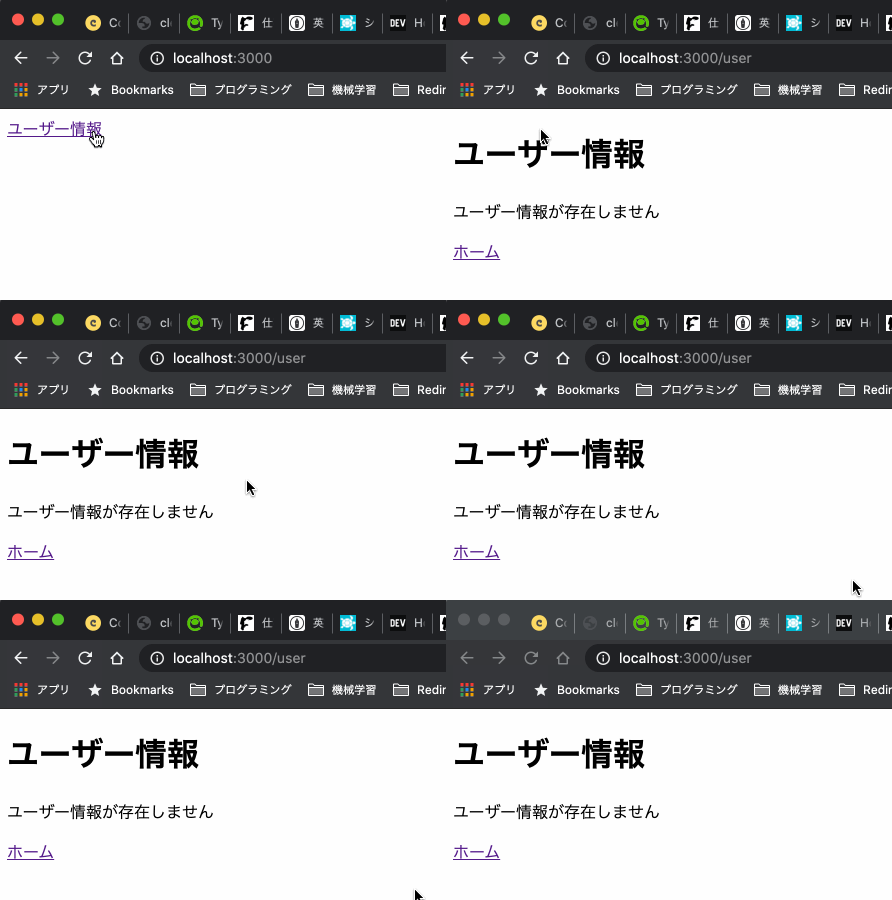
};The code above lets us use sessionStorage, but there is one problem. Even though we cached data in sessionStorage, because we use useEffect() we have to load it asynchronously. This means "Loading..." appears every time we navigate to the page.
(The demo intentionally slows down the display to make this easier to see.)
Dynamic import
In Next.js, you can use Dynamic import to prevent a module from being loaded on the server side. This way, sessionStorage is only accessed on the frontend.
// pages/user.tsx
import Link from "next/link";
import dynamic from "next/dynamic";
import { useUser } from "../hooks/useUser";

const UserPage = () => {
  const { user } = useUser();

  return (
    <>
      <h1>User Information</h1>
      {user == null ? (
        <p>No user information found</p>
      ) : (
        <>
          <p>ID: {user.id} </p>
          <p>Username: {user.name} </p>
        </>
      )}
      <p>
        <Link href="/">Home</Link>
      </p>
    </>
  );
};

const DynamicUserPage = dynamic(
  {
    loader: async () => UserPage,
  },
  { ssr: false }
);

export default DynamicUserPage;
// hooks/useUser.ts
import { useState } from "react";
import { User } from "../interfaces";
const readUser = (): User | undefined => {
const user = sessionStorage.getItem("user");
return user != null ? JSON.parse(user) : undefined;
};
export const useUser = () => {
const [user] = useState<User | undefined>(readUser());
return {
user,
};
};Since we no longer need to worry about the server side, we don't need to load asynchronously with useEffect(), and there's no need to show "Loading..." anymore.